
How to use TransitFlow AI
What you get, and where to find it
Language
Open dashboardDashboard
Station operatorsYour live picture of every hub in the city.
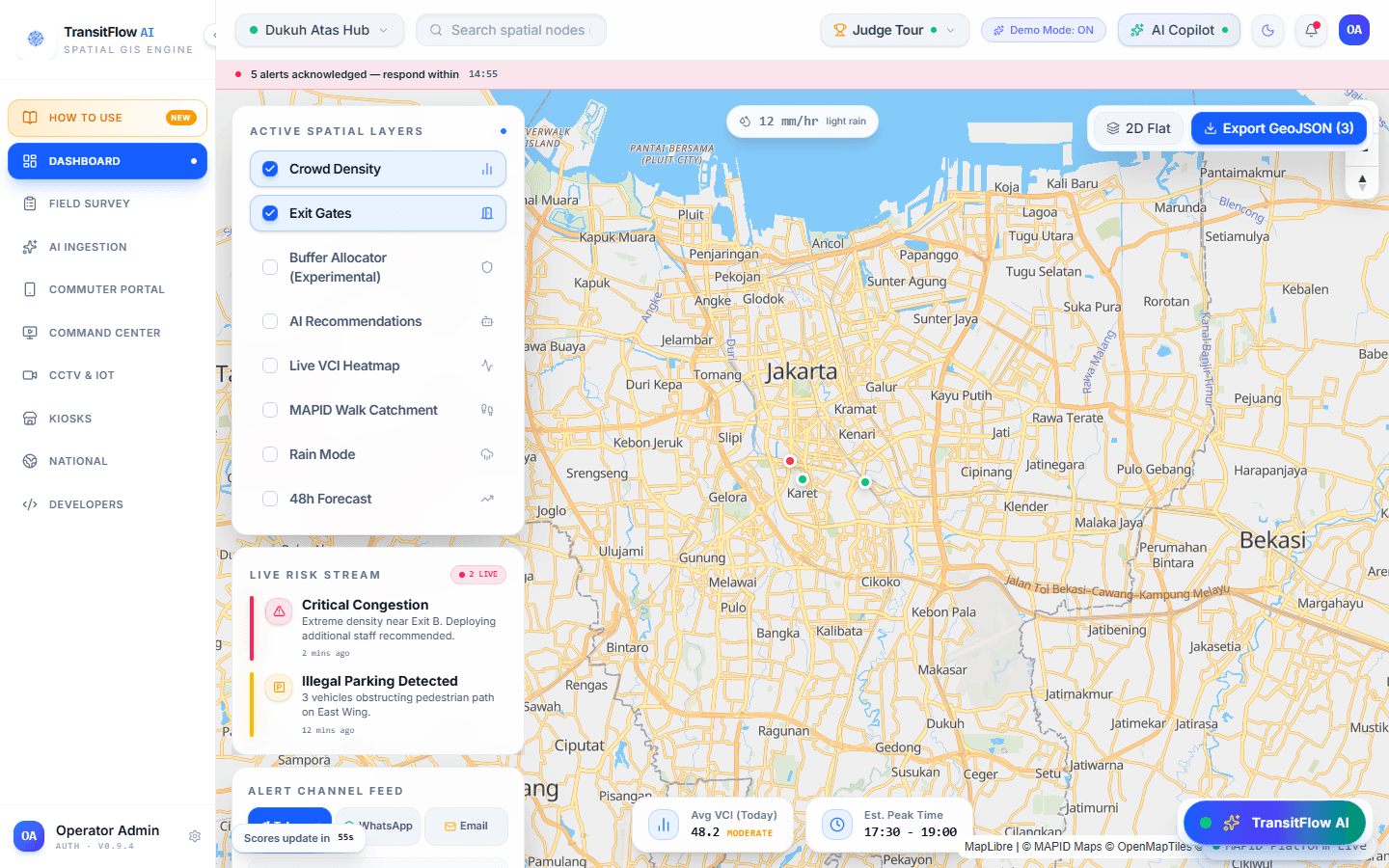
What you get
- Spot which hub needs attention first, before queues build.
- Work from the same numbers your field and control-room teams see.
How to use it
- 1Open Dashboard and click a station on the map.
- 2Read its live condition in the panel beside the map.
- 3Switch on the layers you need from the Layers panel.